- Platform: Web app (desktop-first, responsive)
- Scope: UX research, information architecture, UI design, design system, prototype
- Tools: Figma
The problem
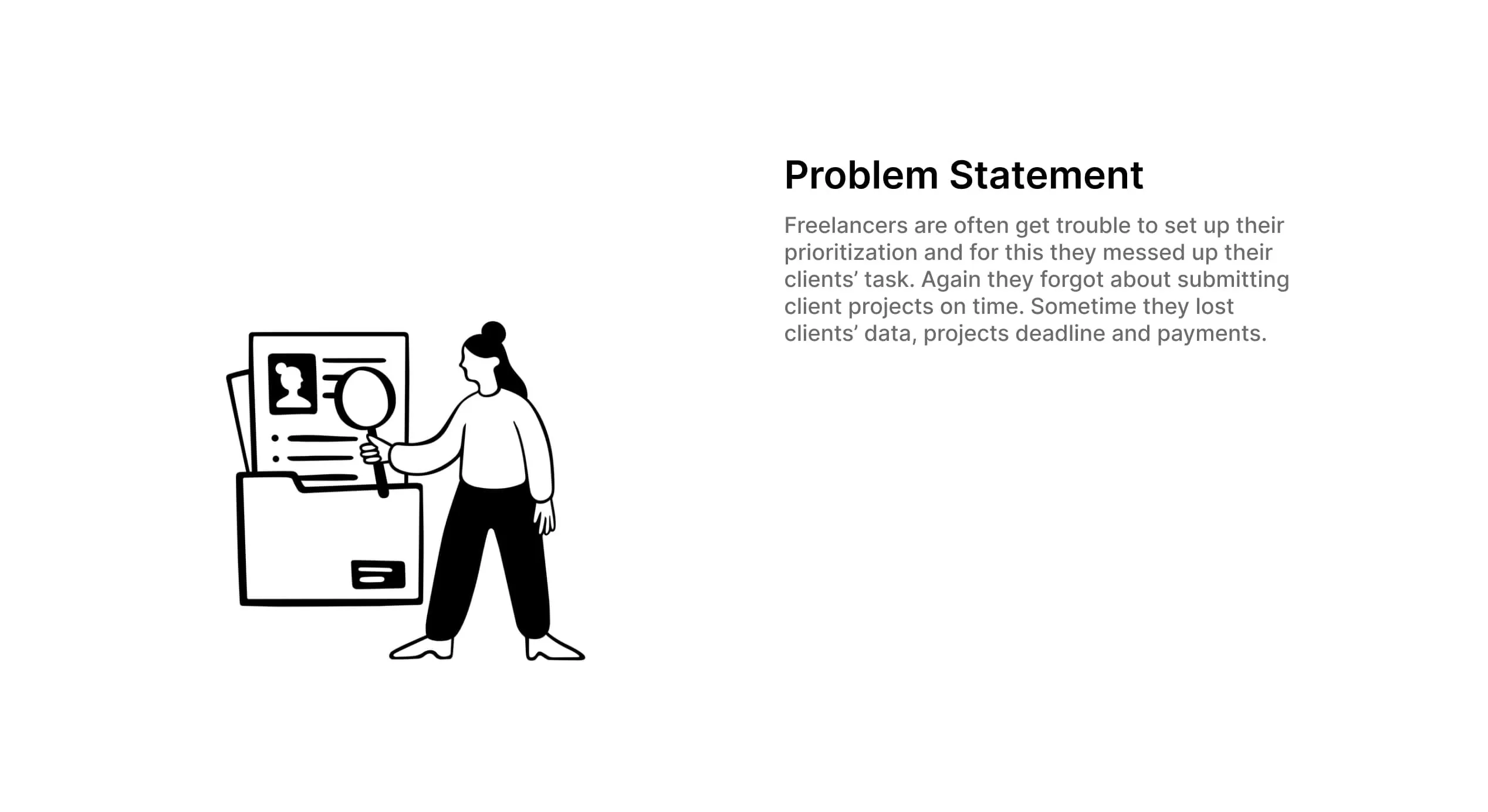
Freelancers juggle several clients at once, and the work quickly spills across notes, chats and spreadsheets. In practice this means:
- tasks are hard to prioritise, so the most urgent client work isn't always done first
- client requests get forgotten or submitted late, which costs trust and repeat work
- client details, project deadlines and payment status live in different places, so freelancers lose track of what has been delivered and what has been paid
The solution
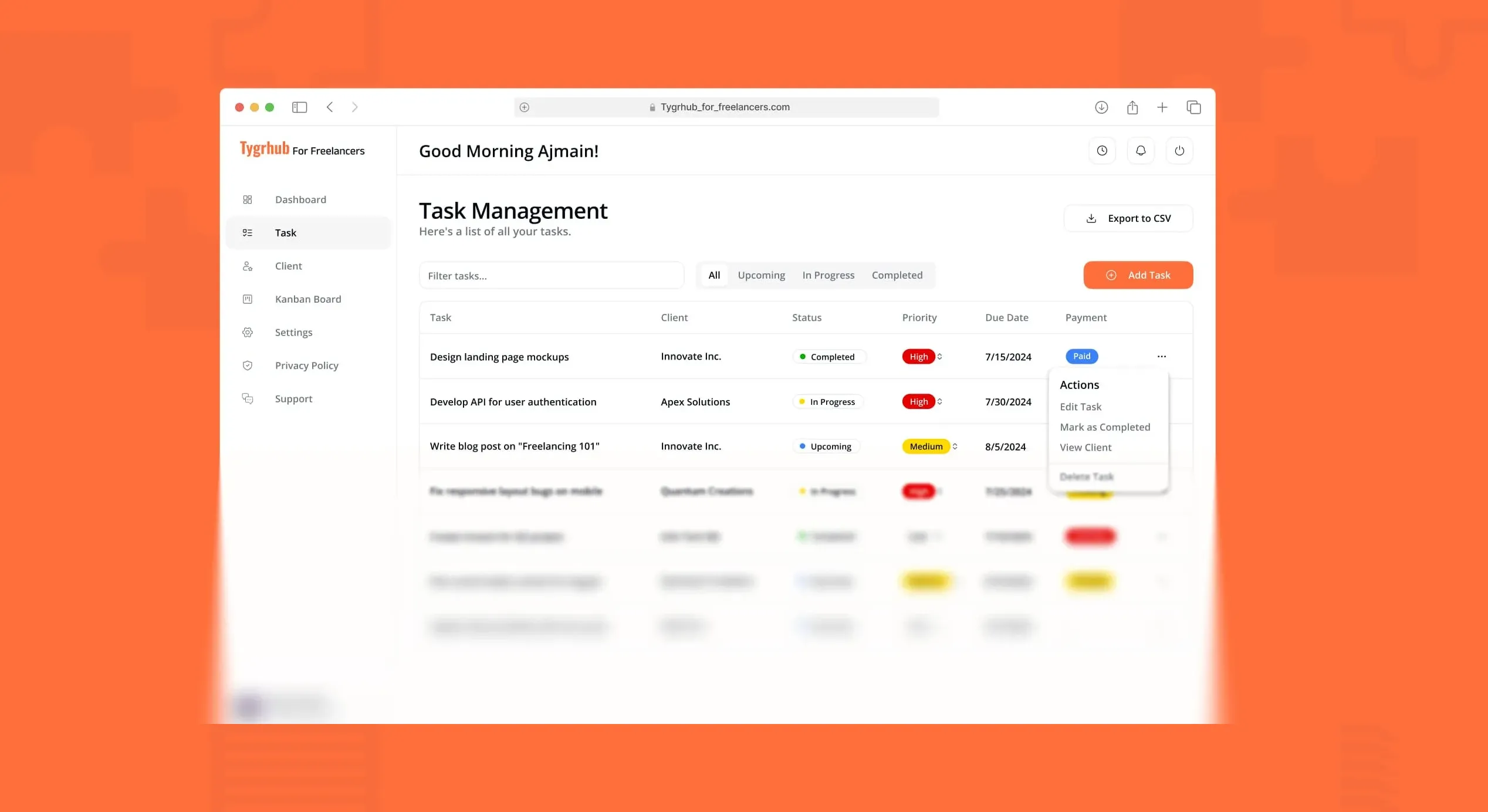
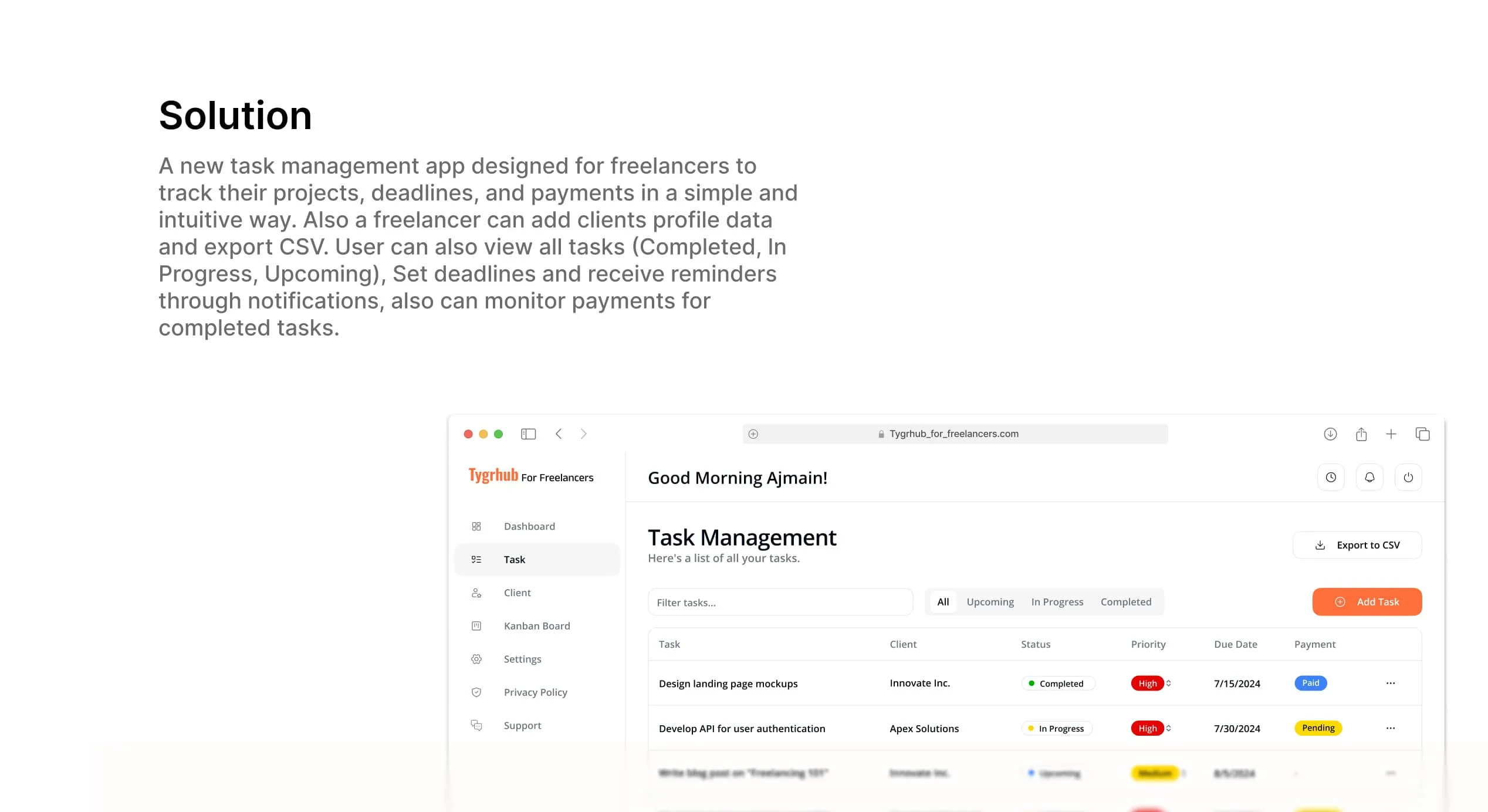
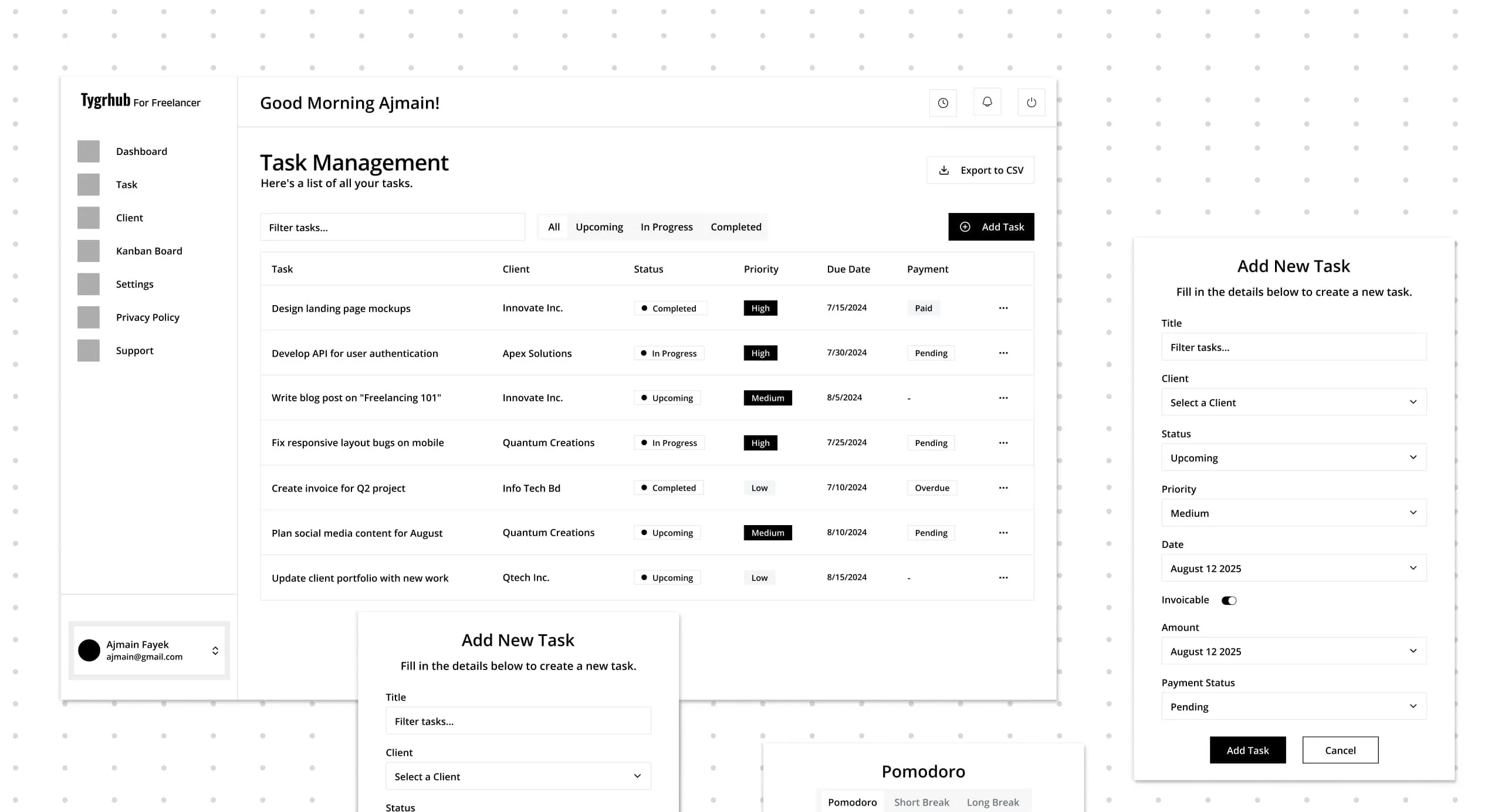
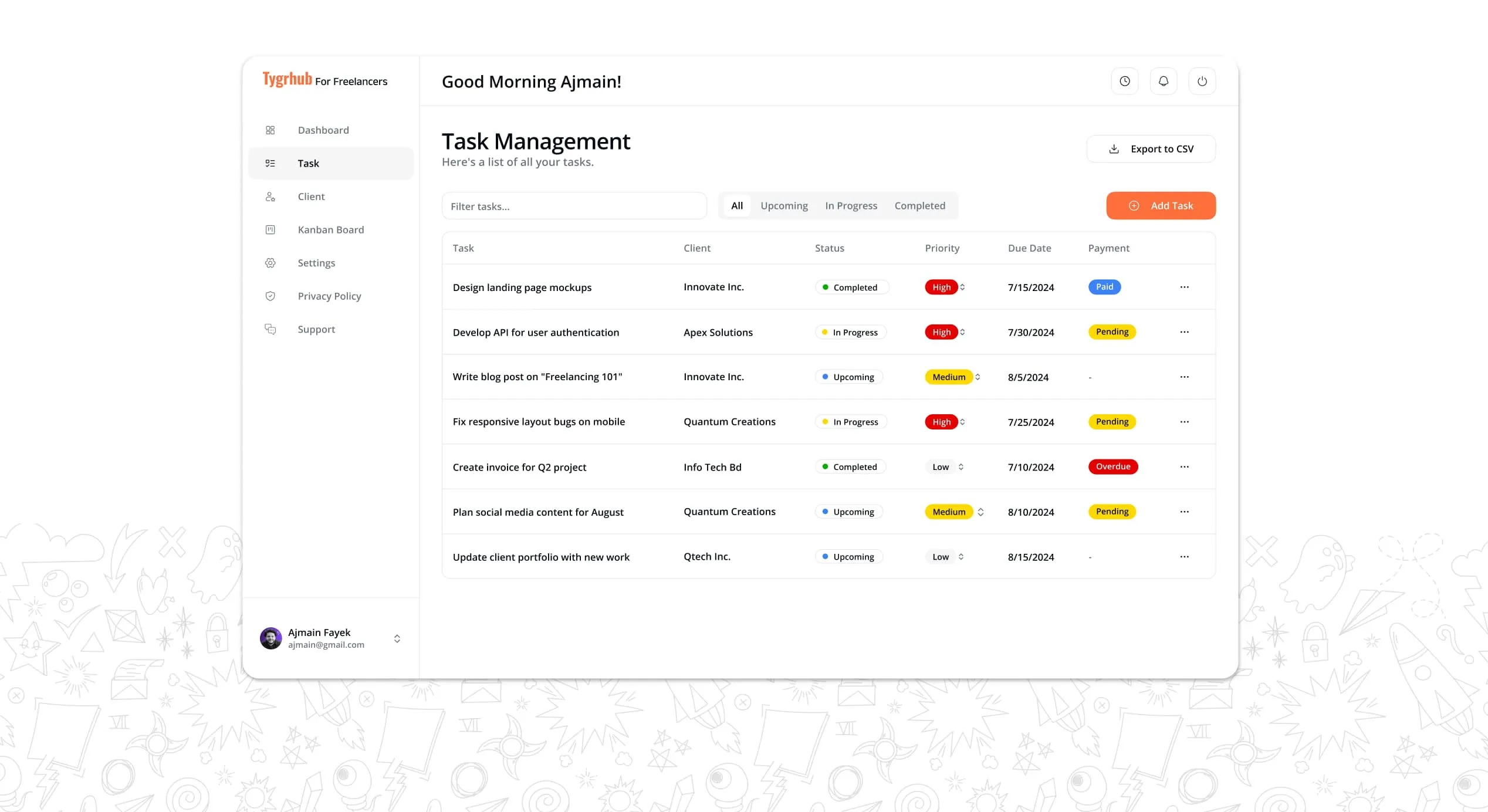
We designed a single task-management workspace built around the freelancer's day. The main screen opens with a personal greeting and a task table showing each task's client, status, priority, due date and payment state at a glance. Filters for All, Upcoming, In Progress and Completed let freelancers switch from planning to delivery without leaving the page, and one click exports the list to CSV for invoicing or reporting.
Key features
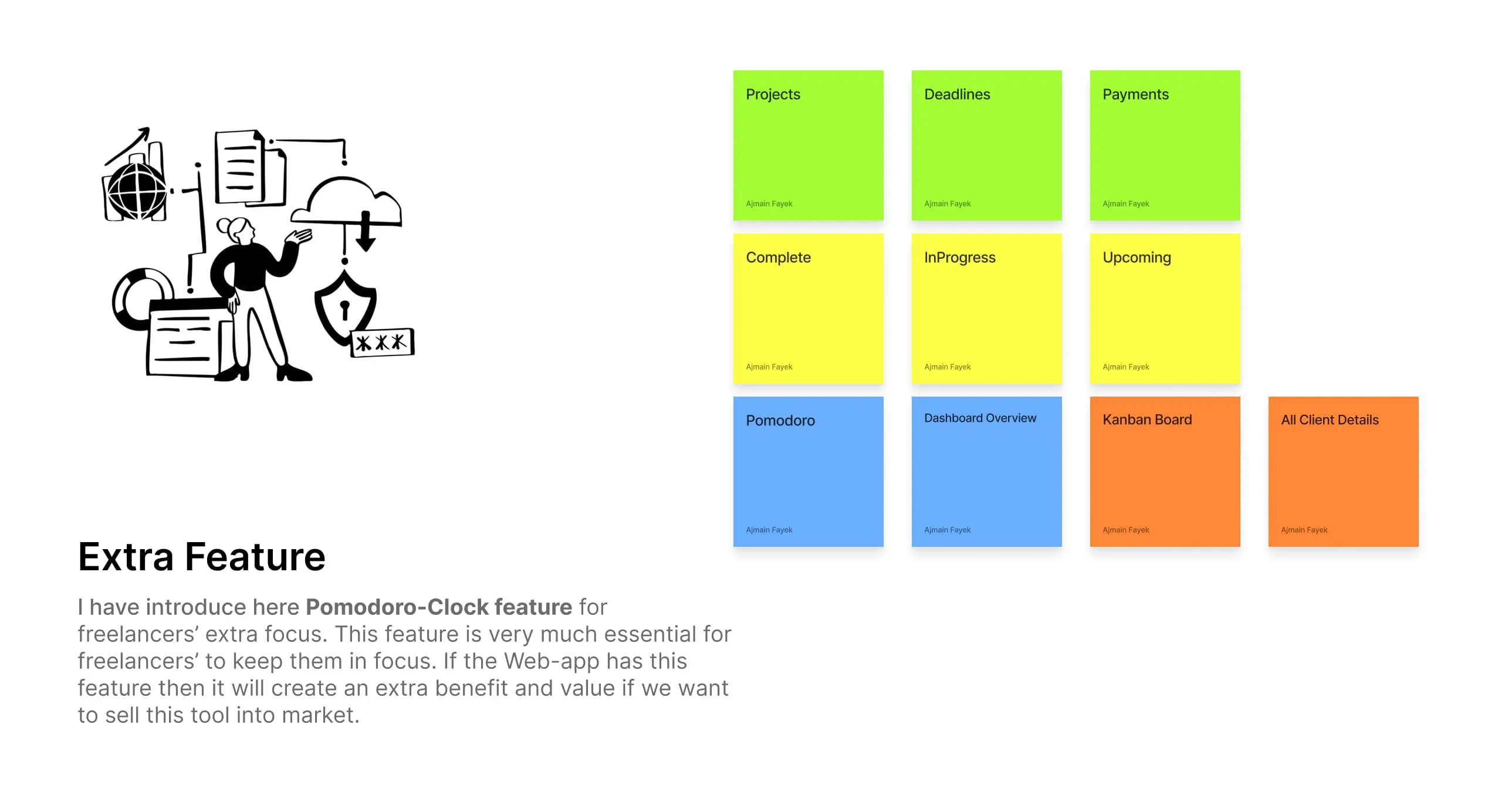
- Task management: create, edit and track tasks with client, priority, due date and payment status.
- Client profiles: store client details once and attach them to every task.
- Deadlines and reminders: notifications before a task is due.
- Payment tracking: see which completed tasks have been paid and which are still pending.
- Kanban board and dashboard overview: a visual alternative to the table view.
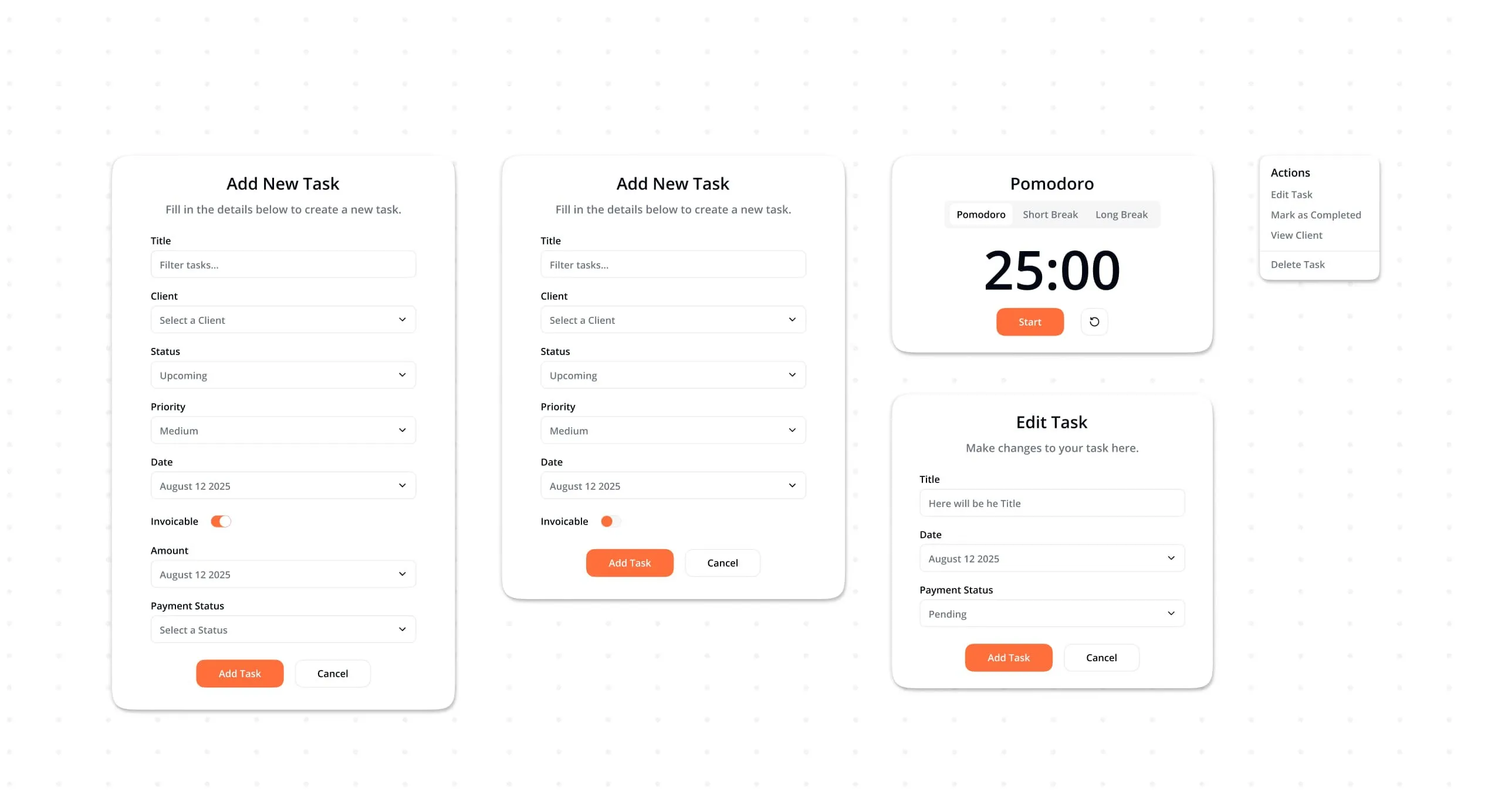
- Pomodoro focus timer: an extra feature for freelancers who need to protect deep-work time. It adds value beyond tracking and makes the product easier to sell in a crowded market.
Design decisions
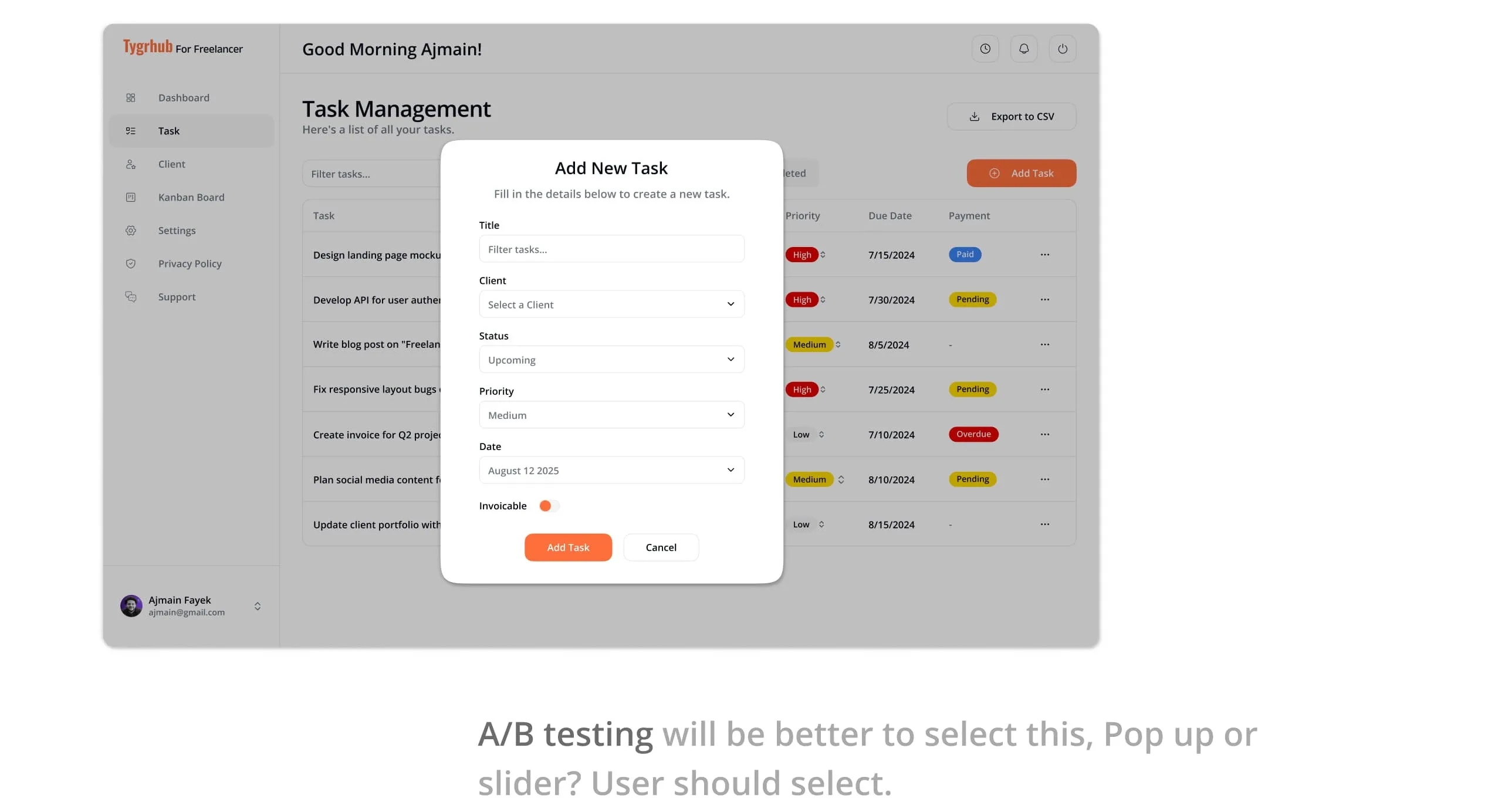
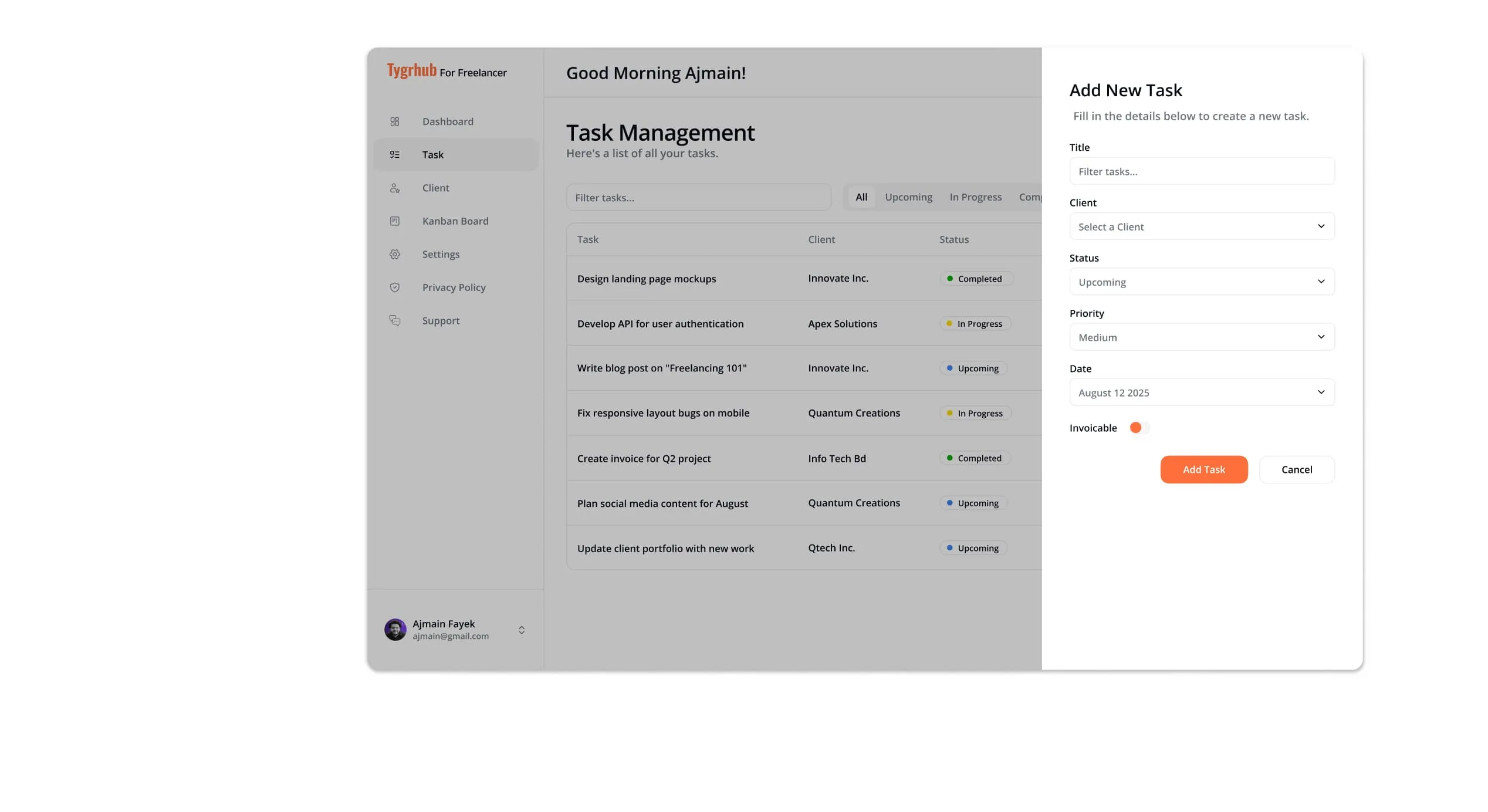
Add Task: pop-up or side panel? We explored two patterns for creating a task: a centred modal and a slide-in side panel. Both were designed to the same fields so they could be A/B tested with users, letting real behaviour decide rather than opinion.
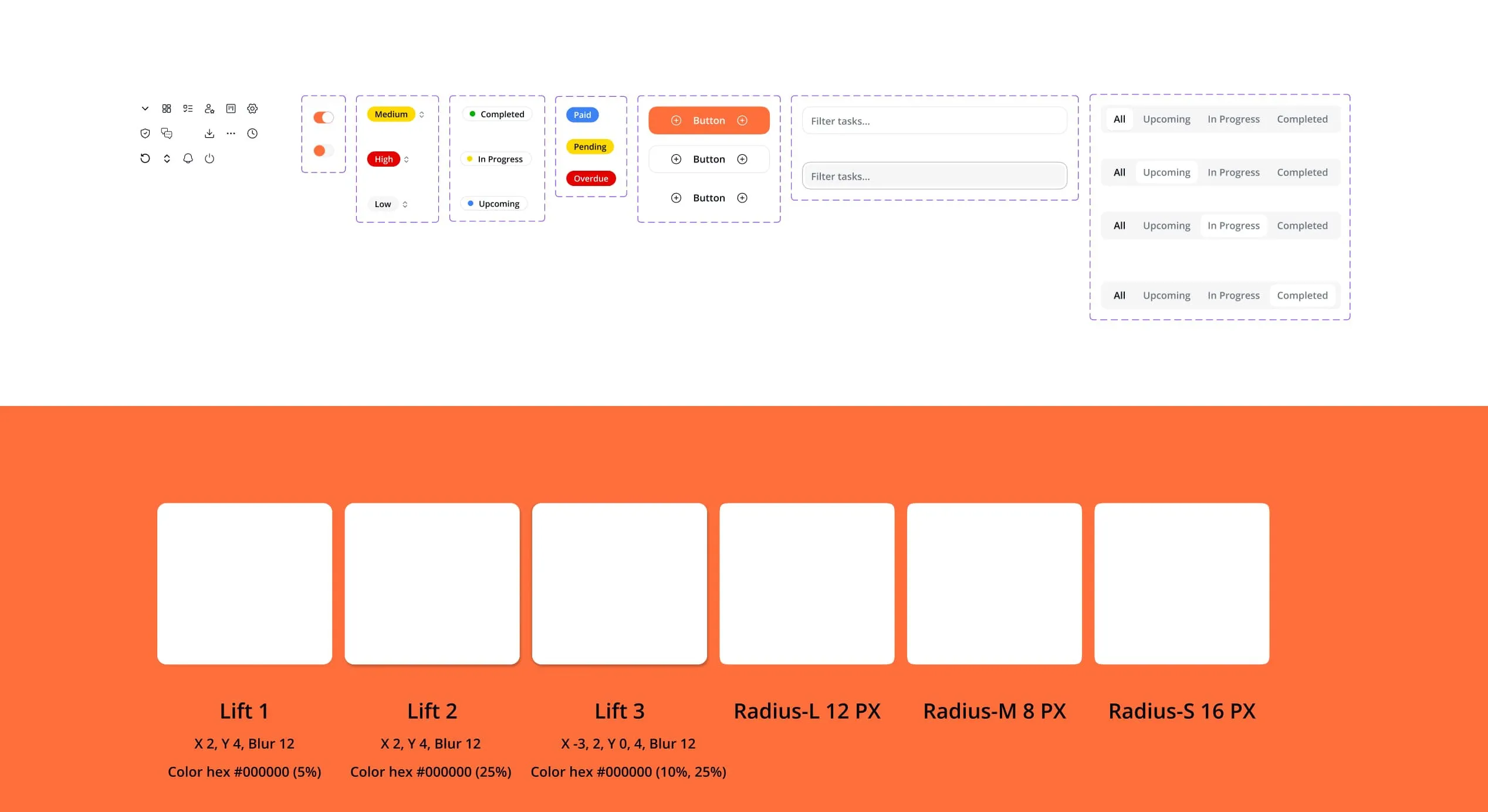
Status at a glance. Status and priority use colour-coded labels (completed, in progress, upcoming, high/medium/low priority), so a freelancer can scan a long list in seconds.
Design system
To keep the product consistent and fast to build, we created a small design system:
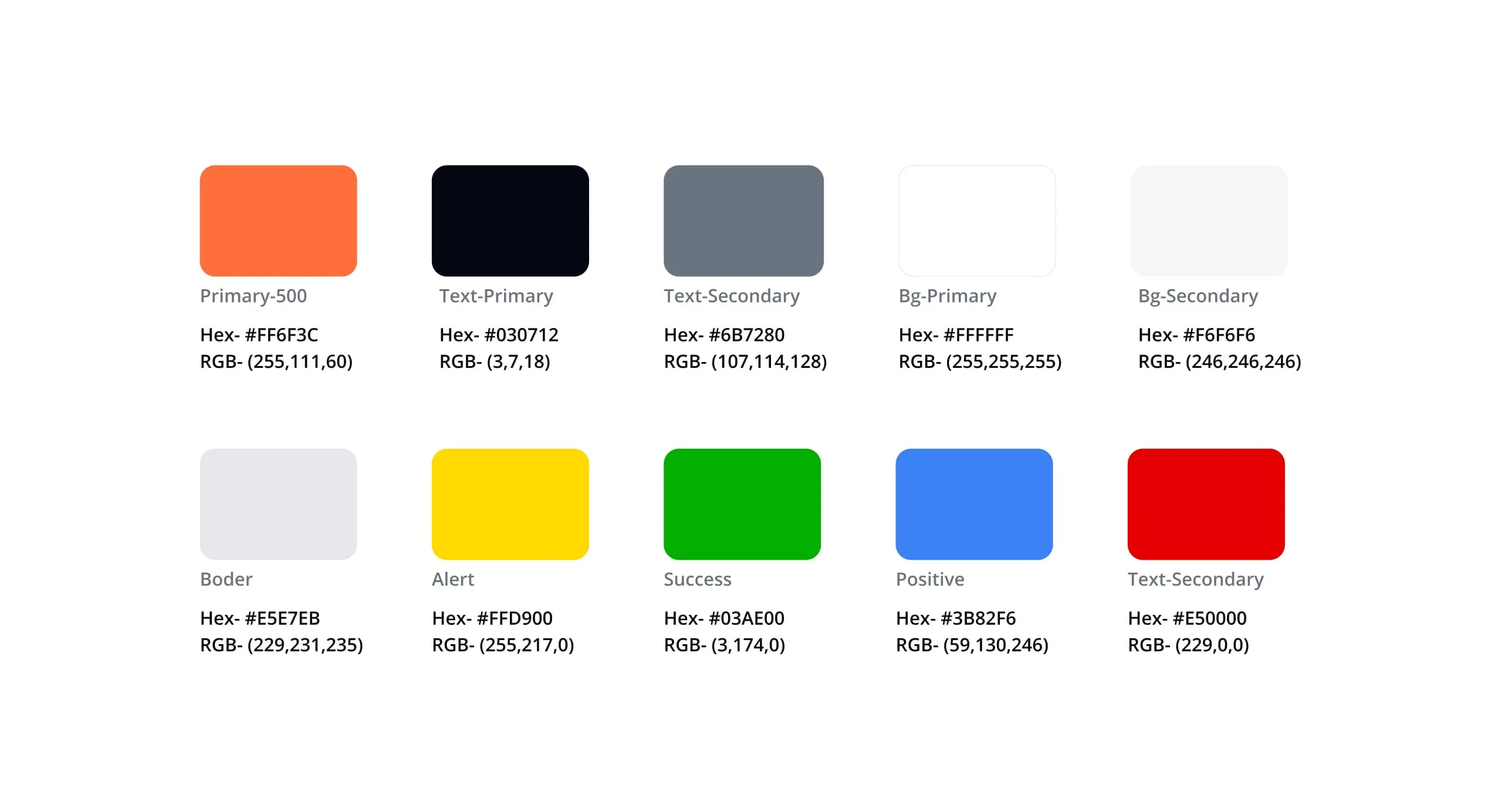
- Colour: a vivid orange primary (#FF6F3C) for actions, near-black text (#030712), neutral backgrounds and borders, and dedicated alert, success, positive and error colours.
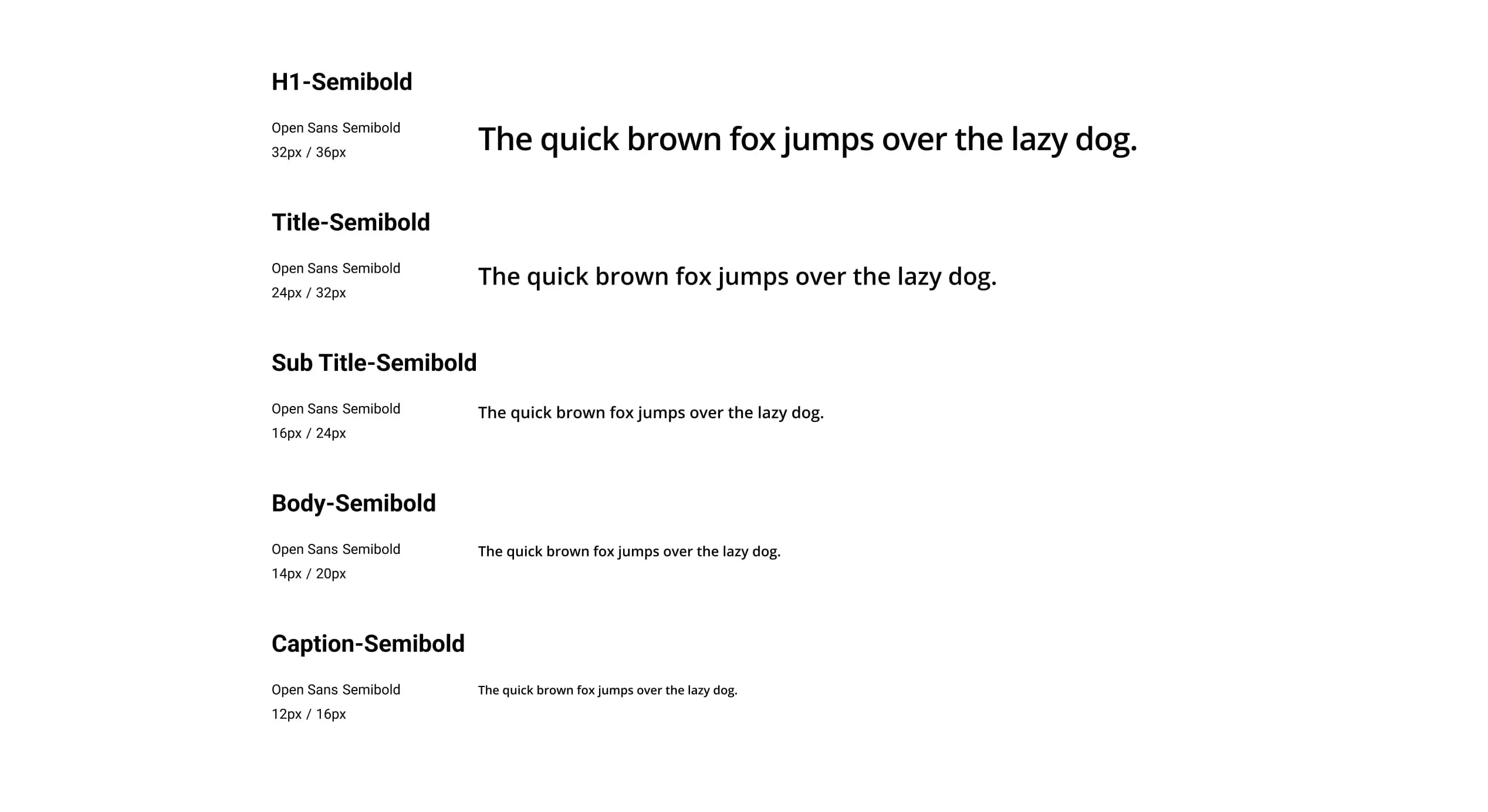
- Typography: Open Sans Semibold in a clear scale from H1 (32/36) through title, subtitle and body down to caption (12/16).
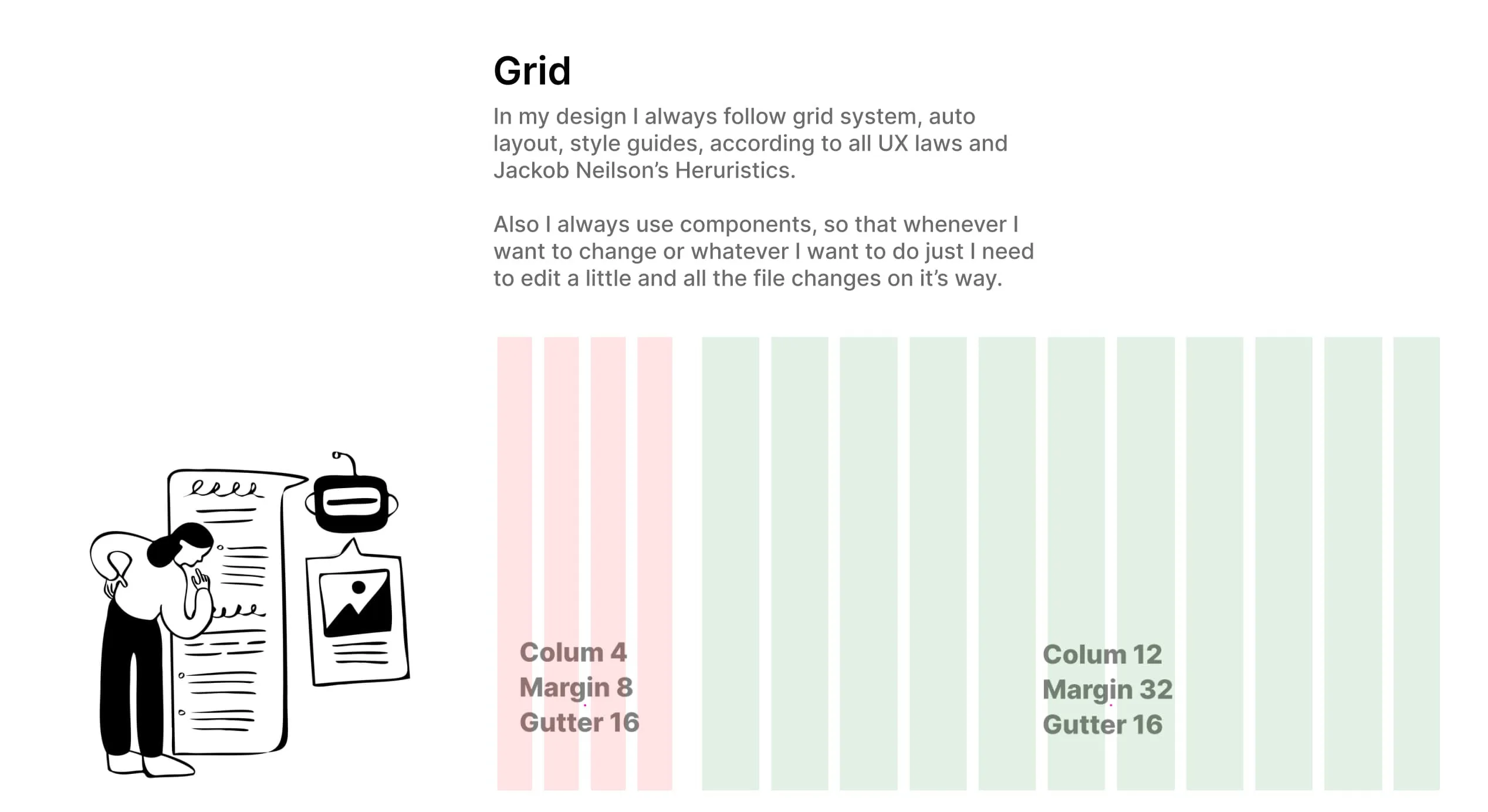
- Grid: a 12-column desktop grid (32px margin, 16px gutter) and a 4-column mobile grid (8px margin, 16px gutter), following auto layout, style guides and Jakob Nielsen's usability heuristics.
- Elevation and radius: three shadow levels and small, medium and large corner radii.
- Components: reusable inputs, dropdowns, status chips, buttons, task forms, edit dialogs and the Pomodoro timer, so any change made once updates everywhere.
Prototype
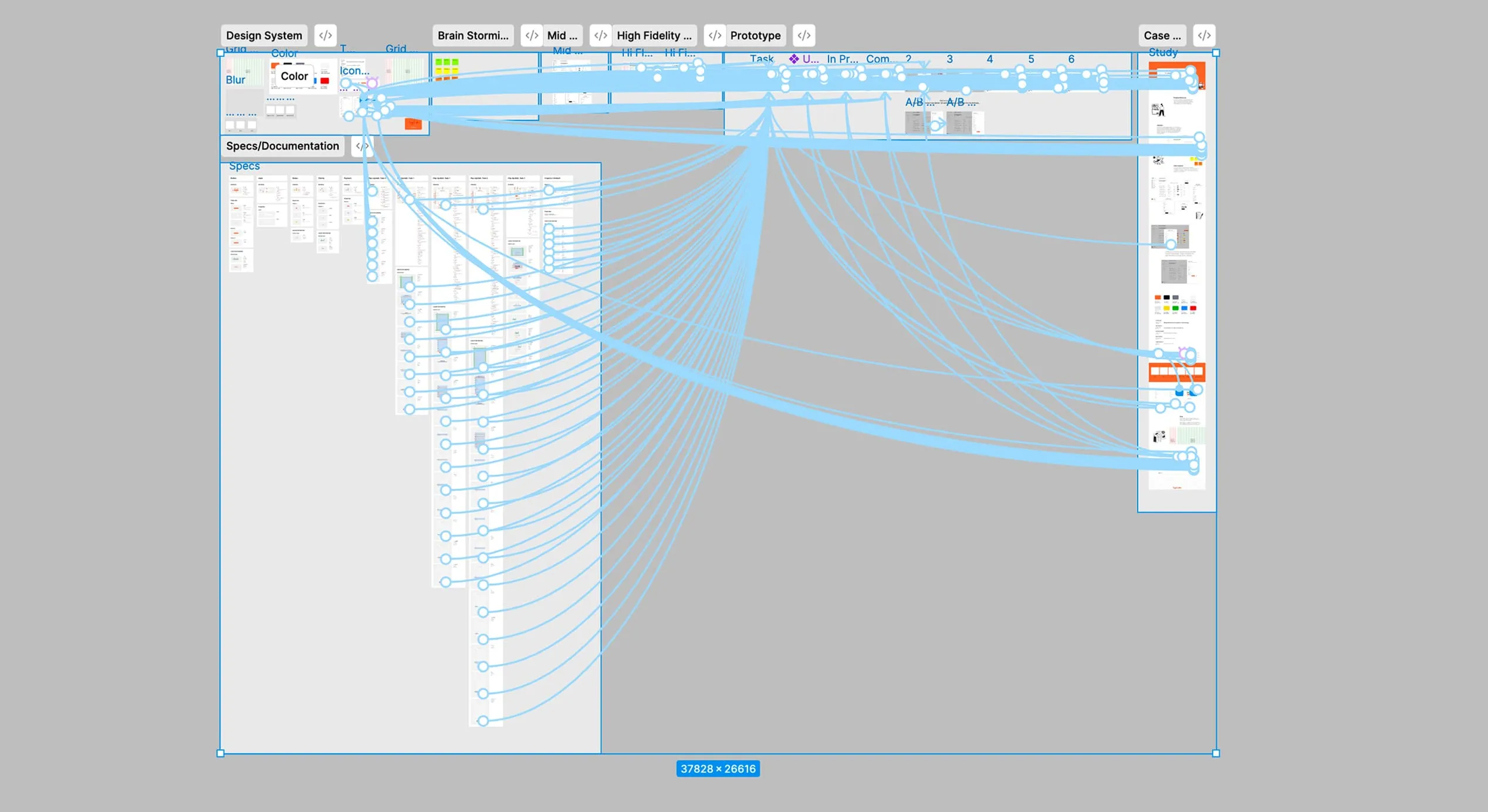
The full flow, from dashboard to adding, editing and completing a task, was connected as an interactive Figma prototype for testing and developer handoff.
Outcome
Tygrhub turns scattered freelance admin into one clear workspace: what's due, for whom, and whether it's been paid.